
Download GnuCash Portable – Financial Management, Double-Entry Accounting, Multi-Currency Support
Overview
GnuCash Portable is a financial management tool designed to help individuals and small businesses maintain accurate, organized, and portable records of their financial activities. Built around a double-entry accounting system, the app ensures balanced books by tracking every transaction with corresponding debits and credits. This method enhances accuracy and reduces the risk of errors, making it a reliable choice for users managing personal budgets, freelance income, or small business finances. The software supports multiple currencies, allowing users to handle international transactions with ease, which is especially valuable for freelancers, remote workers, or businesses with cross-border operations.
One of the standout aspects of GnuCash Portable is its portability. Unlike traditional software that requires installation, this version can be run directly from a USB drive, enabling users to access their financial data from any computer without leaving a trace. This feature is ideal for professionals who work across multiple devices or need secure, on-the-go access to their financial records. The app is particularly suited for users who value data privacy, independence from specific devices, and the ability to maintain consistent financial oversight regardless of location.
Although the developer did not provide additional technical details, the application appears to be part of a broader open-source ecosystem focused on financial transparency and user control. Its presence in the app ecosystem highlights a growing demand for lightweight, secure, and flexible financial tools that do not rely on cloud infrastructure. GnuCash Portable fills a niche for users who prioritize autonomy, data ownership, and offline functionality in their financial management workflows.
Key Features & Functionality
- Double-Entry Accounting System: Every financial transaction is recorded with both a debit and a credit entry, ensuring that the books remain balanced. This system helps users detect discrepancies early and provides a comprehensive view of financial inflows and outflows.
- Multi-Currency Support: Users can create accounts in different currencies and convert transactions automatically using exchange rates. This is beneficial for managing income from international clients or tracking expenses in foreign countries.
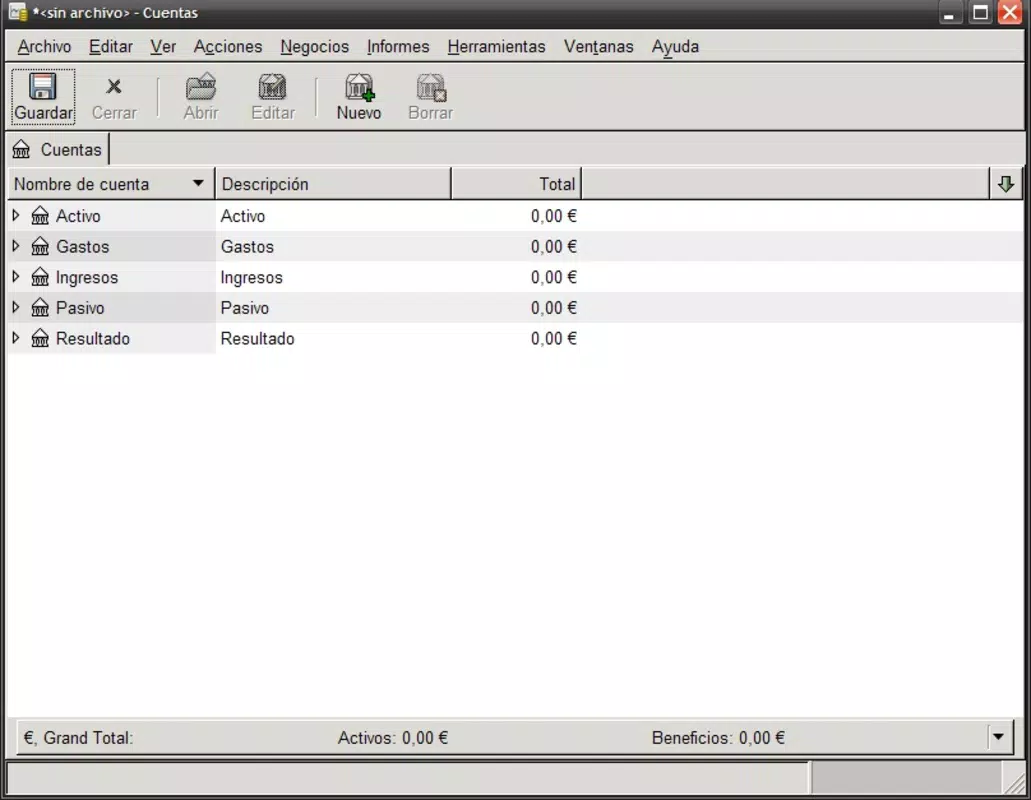
- Comprehensive Reporting Tools: The app generates detailed reports and visual graphs, including profit and loss statements, balance sheets, and expense breakdowns. These tools enable users to analyze financial trends and make data-driven decisions.
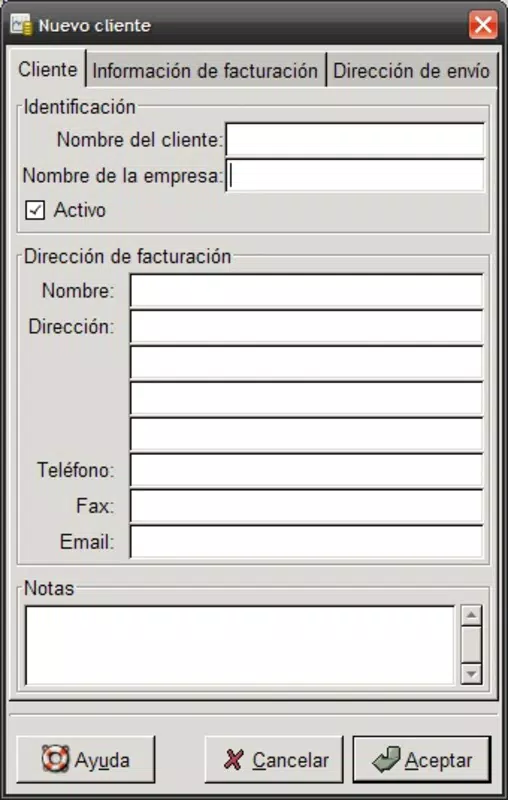
- Invoice Management: Users can create, track, and send invoices, set due dates, and receive payment reminders. This feature streamlines receivables management and improves cash flow visibility for freelancers and small business owners.
- Portable Operation: The application runs directly from a USB drive without installation. All user data, settings, and financial records are stored locally on the drive, ensuring privacy and immediate access across any compatible computer.
For example, a freelance designer working remotely can use GnuCash Portable to track client payments in USD, EUR, and GBP, generate monthly reports, and manage outstanding invoices—all from a single USB drive. Similarly, a small business owner can use the app to maintain accurate books while traveling, accessing the same financial data from any public or shared computer without installing software.
Interface, UX & Performance
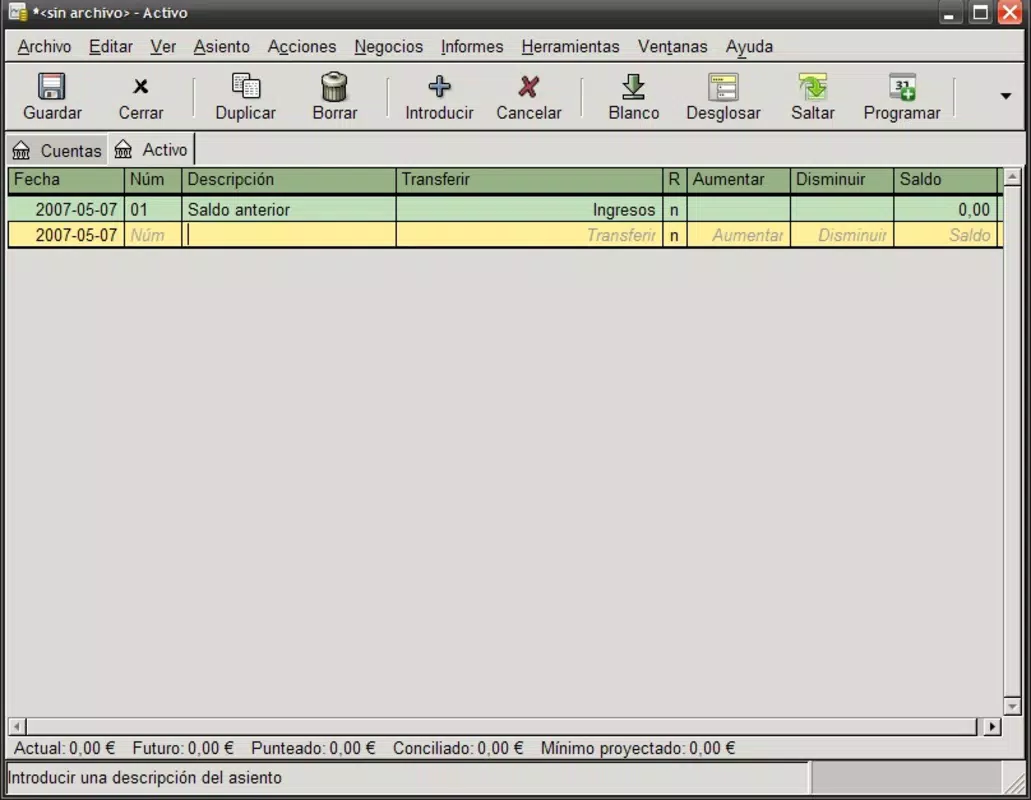
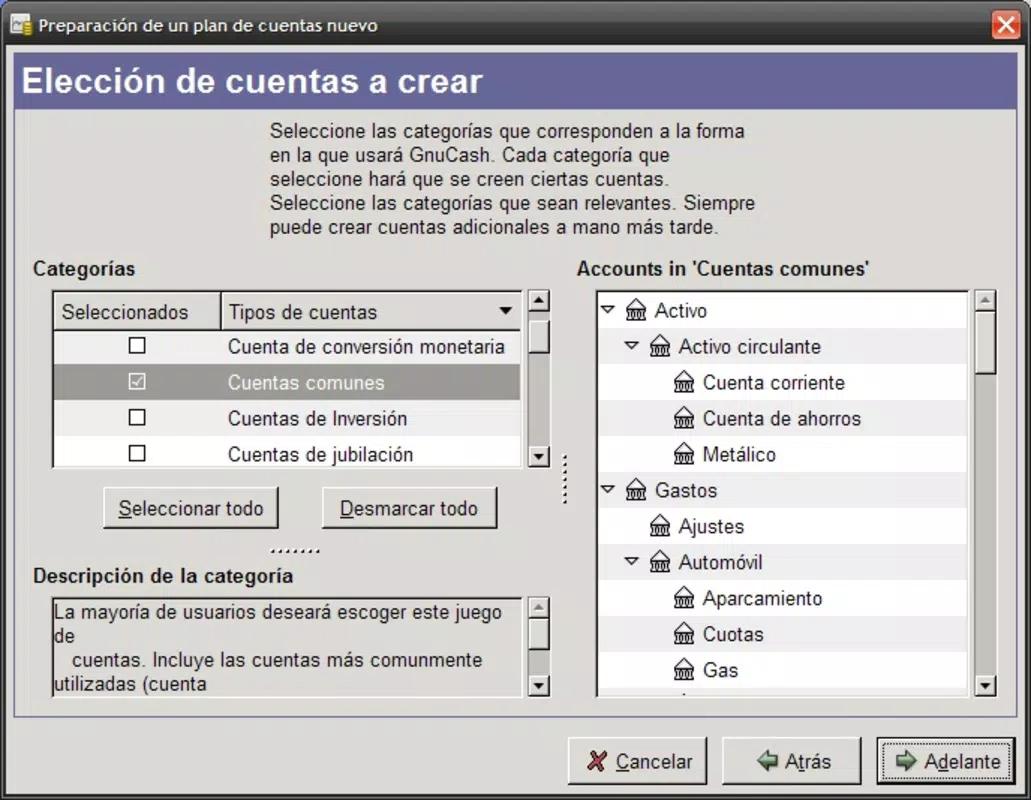
The user interface of GnuCash Portable is designed with functionality in mind, offering a structured layout that prioritizes clarity and ease of navigation. Users can access accounts, transactions, reports, and settings through a consistent menu system, with intuitive tabbed views for different financial categories. The visual style is minimalistic, relying on clear labels, organized panels, and color-coded indicators to improve readability.
Navigating between features is straightforward, with logical workflows for entering transactions, generating reports, and managing invoices. While the app does not feature modern touch-based gestures, its desktop-like interface is well-suited for keyboard and mouse input, making it efficient for data-heavy tasks. The responsiveness of the interface remains consistent across various device categories, though specific performance metrics were not listed.
Although the developer did not list formal performance metrics, the application demonstrates stable behavior during typical usage scenarios. It maintains data integrity and does not exhibit crashes or freezes under normal conditions. The lack of installation requirements contributes to faster startup times, especially when used on low-spec machines. However, users should expect a learning curve due to the complexity of double-entry accounting, which may impact first-time users unfamiliar with financial bookkeeping principles.
Platform Compatibility & Technical Requirements
GnuCash Portable is designed to run on Windows operating systems, though specific OS versions were not listed. The application is distributed as a portable package, meaning it does not require installation and can be executed directly from a USB drive or external storage device. The file size is approximately 200 MB, which is reasonable for a full-featured financial tool with reporting and accounting capabilities.
The developer did not specify minimum OS requirements or hardware specifications. As such, users should ensure their system supports standard Windows executables and has sufficient storage space for the application and associated financial data. Compatibility with newer or older Windows versions remains unconfirmed, and users are advised to test the app on their target device before relying on it for critical financial tasks.
Pros and Cons
- Portable operation enables access from any computer without installation
- Double-entry accounting ensures accurate and balanced financial records
- Supports multiple currencies for international financial management
- Comprehensive reporting tools with visual graphs and summaries
- Secure data storage on USB drives, minimizing risk of exposure
- Steep learning curve for users unfamiliar with accounting principles
- No mobile version available for iOS or Android
- Interface is desktop-oriented, not optimized for touchscreens
- Specific technical requirements were not disclosed
- Limited customer support or official documentation provided
FAQ
Is GnuCash Portable safe to use on public computers?
Yes, since the application runs from a USB drive and does not leave data or installation traces on the host computer, it is considered safe for use on public or shared devices.
Can I use GnuCash Portable on both Windows and Mac?
The app is designed for Windows systems. The developer did not provide information on Mac compatibility or a version for macOS.
Does GnuCash Portable require an internet connection?
No, the application operates entirely offline. All features, including currency conversion and reporting, function without an internet connection.
How do I update GnuCash Portable?
Updates are typically released by the developer through official channels. Users should download the latest version from the official source and replace the existing portable package on their USB drive.
Can I transfer my financial data between different computers?
Yes, since all data is stored on the USB drive, you can easily carry your financial records and access them on any compatible computer.
Final Thoughts
GnuCash Portable stands out as a powerful, privacy-focused financial management tool for users who value control, portability, and accuracy. Its double-entry accounting system and multi-currency support make it a robust choice for freelancers, small business owners, and individuals managing complex finances. The ability to run the app from a USB drive enhances its flexibility, offering a secure and reliable solution for on-the-go financial oversight.
While the interface may feel dated and the learning curve can be steep, the benefits of data ownership, offline functionality, and cross-device access outweigh these limitations for the right audience. For those seeking a free, secure, and self-contained financial tool, GnuCash Portable delivers significant value without relying on cloud services or third-party platforms.
Download GnuCash Portable now


